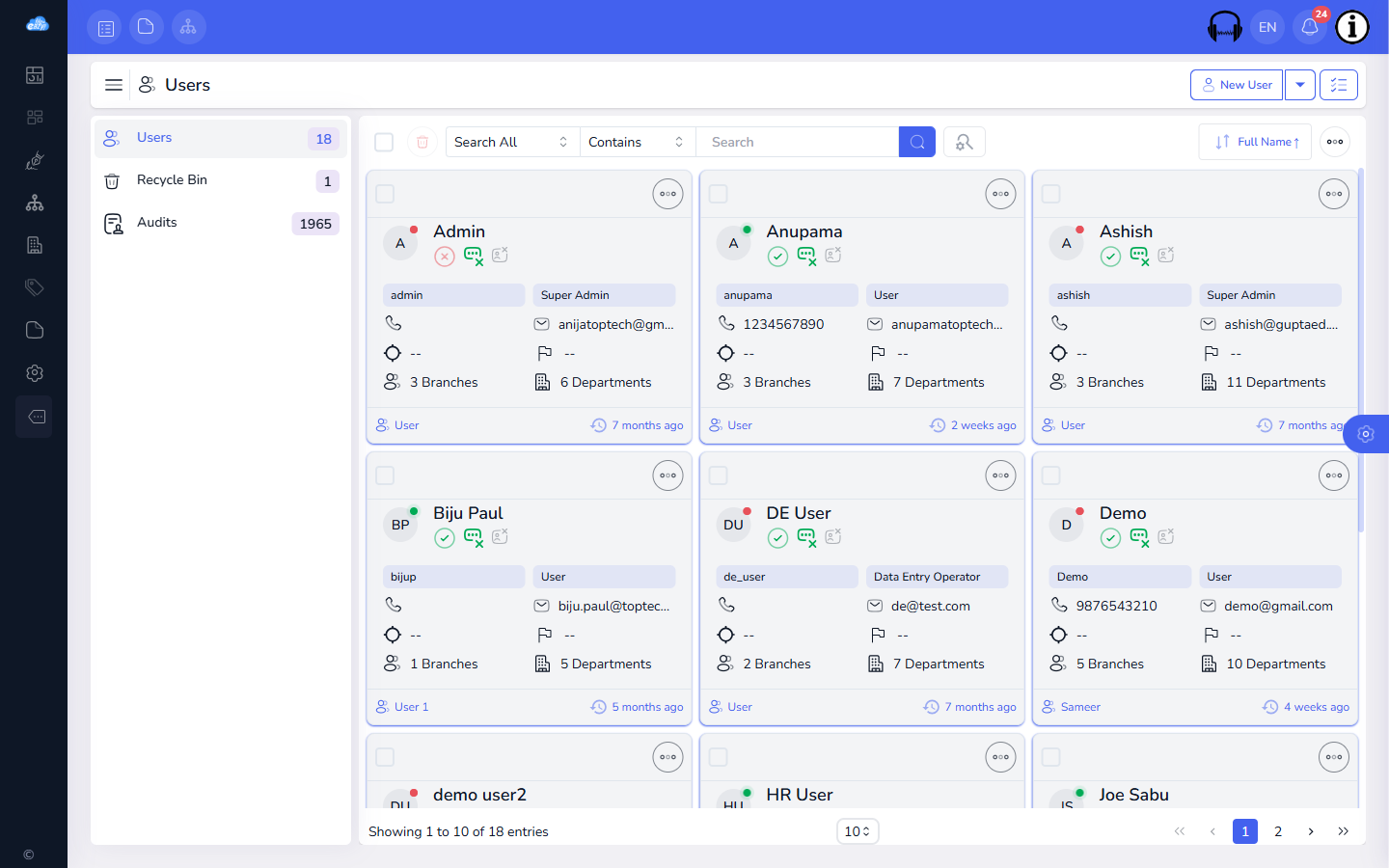
Add teammates from the Users section and assign each one a role that controls what they can see and do. Roles can be scoped to a branch or department, so a large organization can invite hundreds of people without giving everyone the same access.
Inviting people through roles rather than sharing one login means you can see exactly who did what later, every action is tied to a real user in the audit log, and you can revoke one person's access without resetting a shared password for the whole team.
We use necessary cookies to run the site and remember your language and currency. With your consent we also use analytics cookies to see how the site is used, and load the Google Maps embed on our contact page.
Read our Privacy Policy
30% OFF
Limited time
30%off
30% off your first year
Our launch offer runs until 31 October on all annual plans. Enter the code at checkout and it applies to your whole first year.