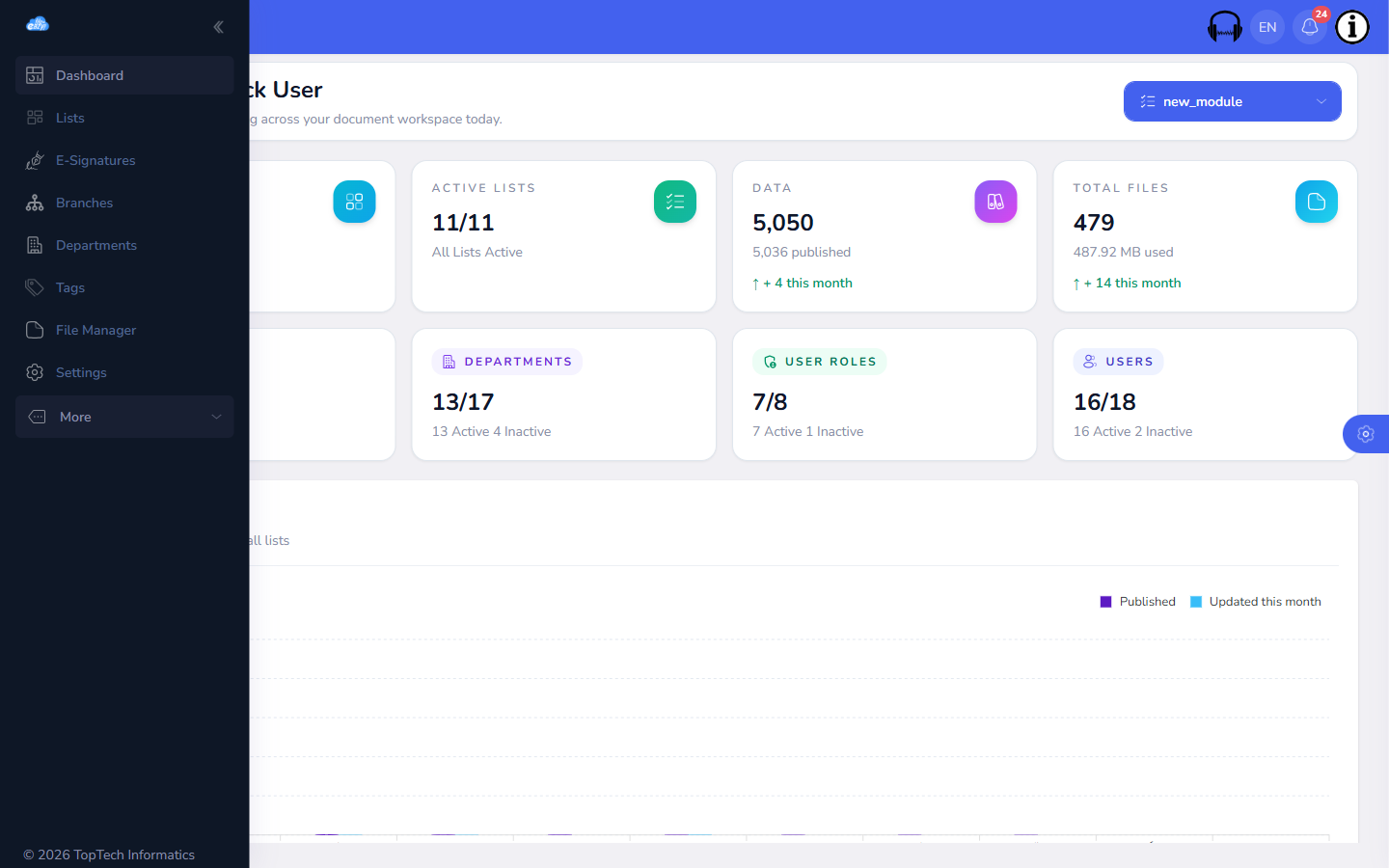
Every FileEazy account starts with a workspace — the top-level container for your team's files, folders, apps and users. You can run more than one workspace from the same login, for separate departments, clients or business units, and switch between them without signing out.
Getting this right early matters because everything else, roles, folders, automation rules, is scoped to a workspace. Consolidating your team into one workspace, with branches and departments underneath it, keeps reporting, storage usage and permissions consistent instead of scattered across separate logins.
We use necessary cookies to run the site and remember your language and currency. With your consent we also use analytics cookies to see how the site is used, and load the Google Maps embed on our contact page.
Read our Privacy Policy
30% OFF
Limited time
30%off
30% off your first year
Our launch offer runs until 31 October on all annual plans. Enter the code at checkout and it applies to your whole first year.