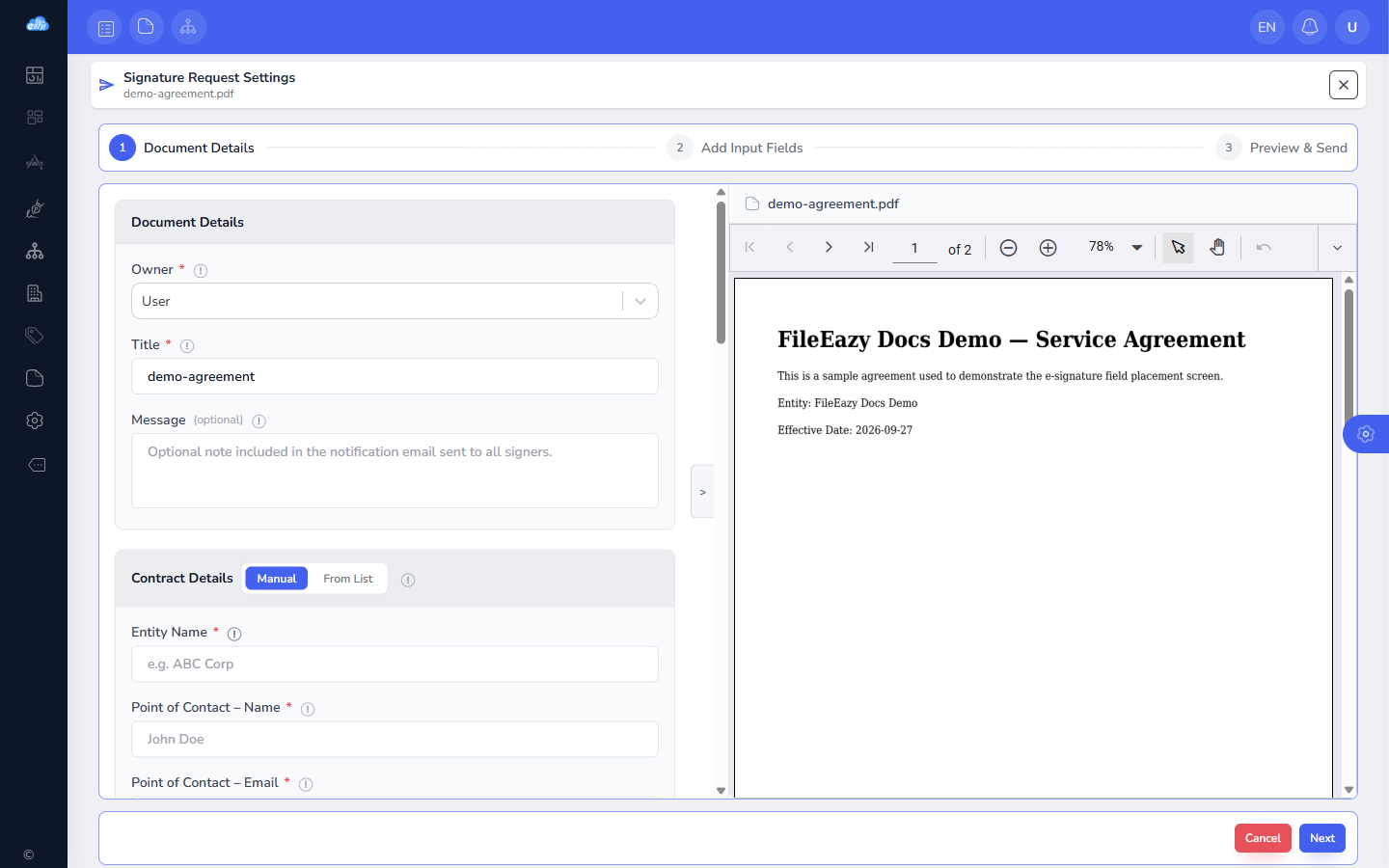
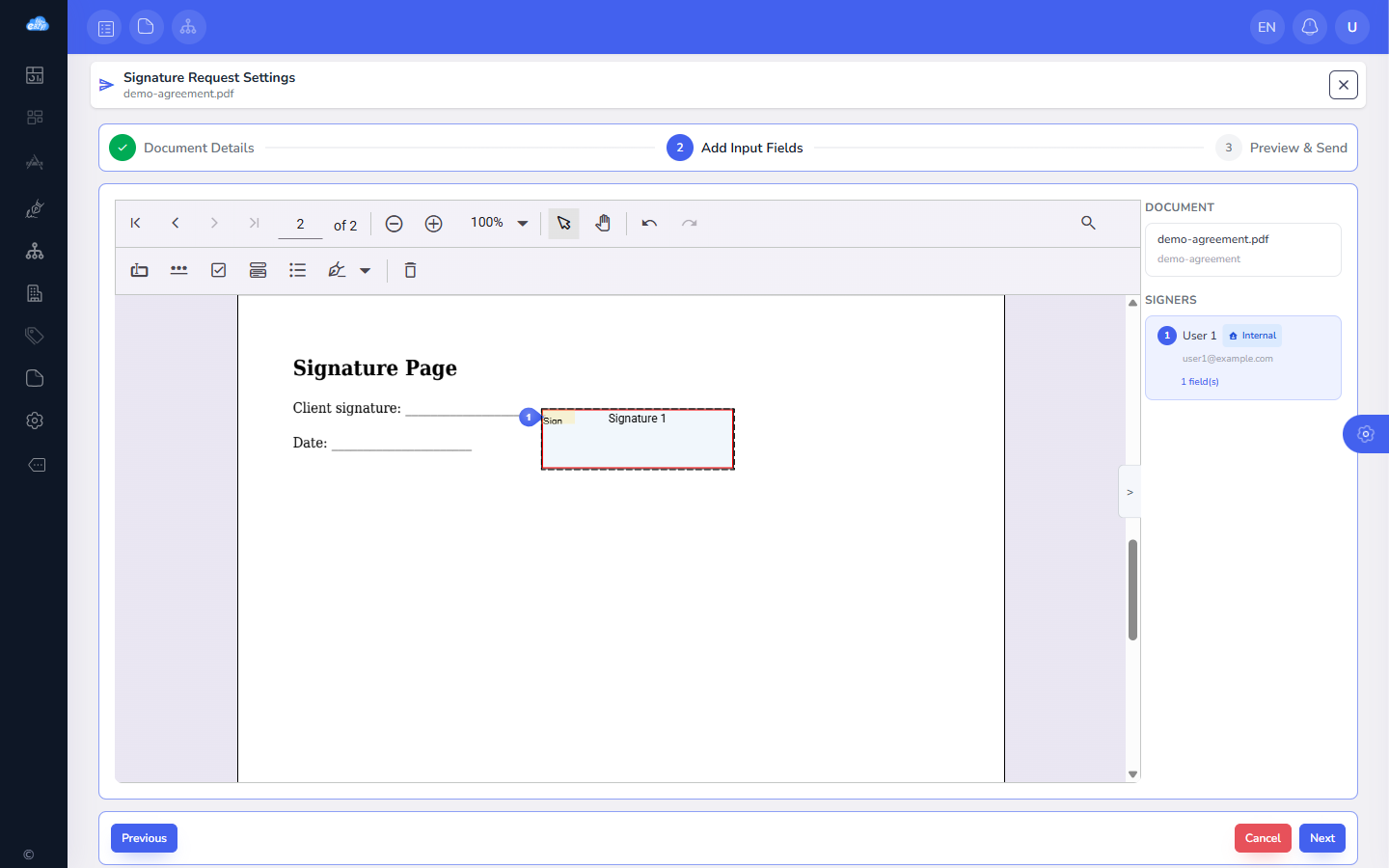
Sending a document for signature is a three-step flow: fill in the document details, contract information and signers; place signature and initial fields directly on the PDF; then preview and send. FileEazy renders the actual PDF pages so fields land exactly where they should.
Field placement is where most e-signature tools get clumsy, misaligned fields mean a signature lands in the wrong place on the final document. Placing fields directly on the rendered PDF avoids that mismatch entirely.
We use necessary cookies to run the site and remember your language and currency. With your consent we also use analytics cookies to see how the site is used, and load the Google Maps embed on our contact page.
Read our Privacy Policy
30% OFF
Limited time
30%off
30% off your first year
Our launch offer runs until 31 October on all annual plans. Enter the code at checkout and it applies to your whole first year.